
template
KDP Cover Template
Download a KDP cover template example and calculate the exact paperback or hardcover cover size before designing final artwork.
Last checked: 2026-05-03
How we calculate this
Methodology and source handling
We start with the finished trim size, add bleed on every side, then calculate the raster pixel canvas from the full bleed size.
Quick answer
Copy-ready answer
Use the KDP cover template as a visual guide, then calculate your exact cover width, height, spine, bleed, and pixel dimensions from your trim size and page count.
Safe area
Design inside the crop-safe area
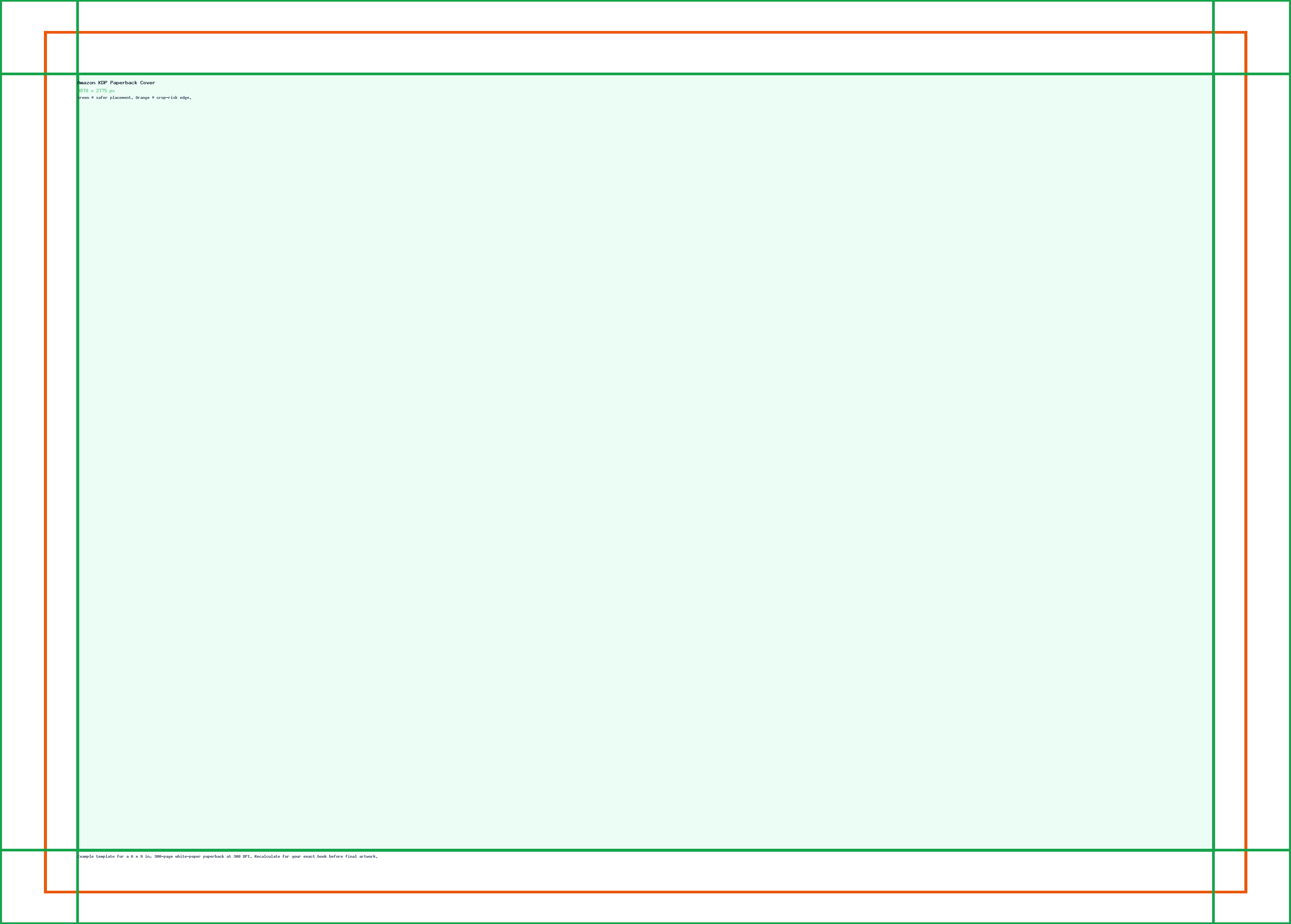
Use this guide to keep text, logos, faces, products, and calls to action away from crop-risk edges.
Dimensions and specs
| Example trim | 6 x 9 in | |
|---|---|---|
| Example pages | 300 white-paper pages | |
| Example pixels | 3878 x 2775 px at 300 DPI |
Template
Use the example template safely
The downloadable guide is an example, not a universal KDP cover. Use it to understand front cover, back cover, spine, bleed, and safe-area zones, then calculate your own dimensions for the final upload.
Export checklist
Before you upload
Create the artboard at the template dimensions before placing content.
Keep critical details inside the safe zone and treat the outer edge as crop or bleed risk.
Resize a finished image locally when the destination needs a PNG, JPG, or WebP export.
Common mistakes
Avoid these template setup mistakes
Keep the most important content inside the guide area so responsive crops, bleed trimming, or platform overlays do not hide it.
Scaling the template into a different shape can stretch artwork or crop text; compare sizes before adapting.
Keep the editable SVG or source layout, export PNG/JPG for upload, and use PDF when you need a handoff or print guide.
Templates
Download starter files
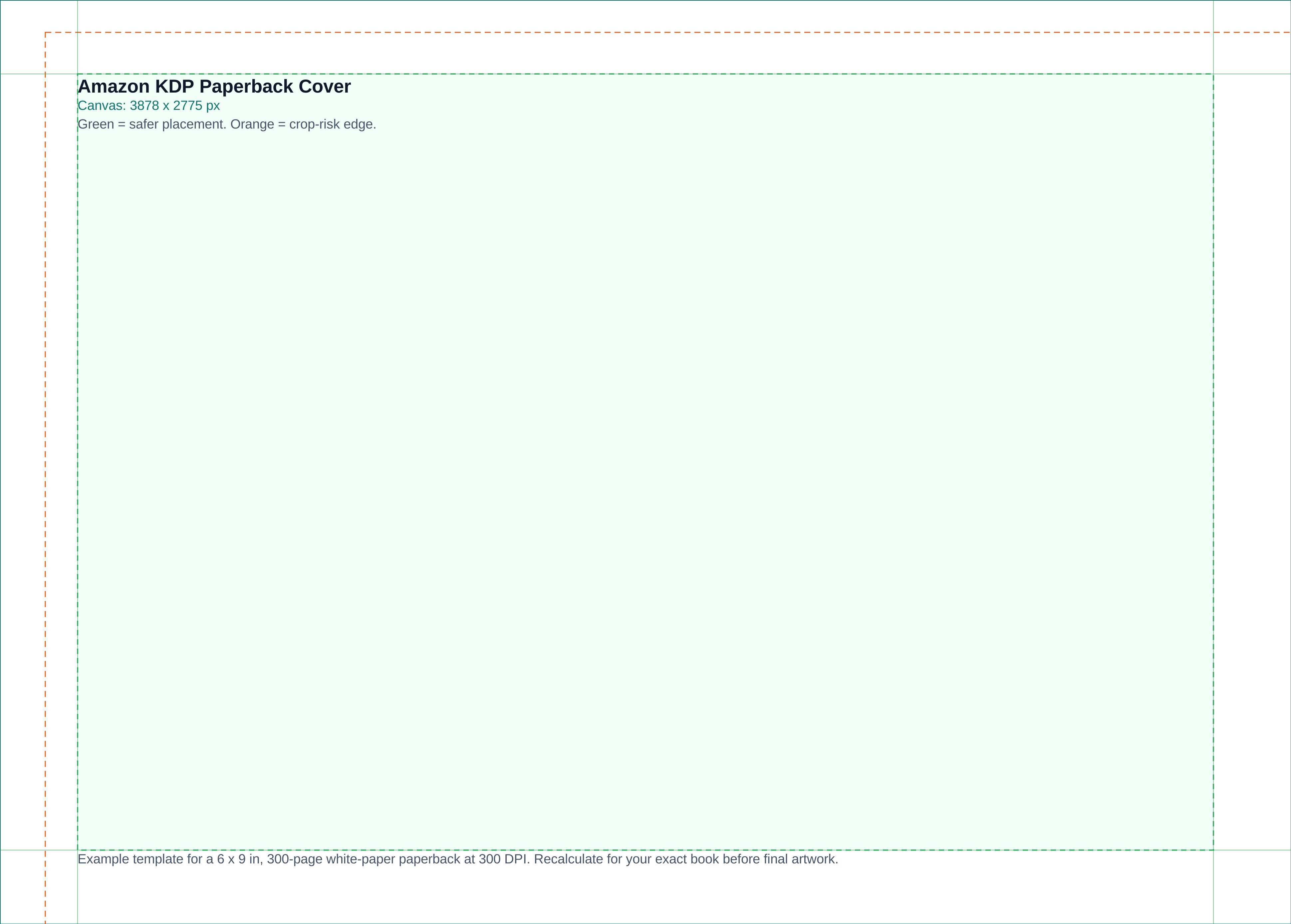
Use the SVG, PNG, or PDF starter as a visible guide for the full canvas, safe area, bleed, and crop-risk edges.
Calculator
Check aspect ratio and screen pixels
Use the prefilled target, swap orientation if needed, and copy the reduced ratio before preparing screenshots or previews.
Compare
Compare KDP Cover Template
Open a curated comparison or send both sizes into the compare tool with a fragment URL.
Workflow
Use KDP Cover Template in a finished file
Start with where the file will be printed, uploaded, displayed, or delivered.
Use the dimensions, pixel target, aspect ratio, and formula before building the file.
Preview the final file against the required size, crop behavior, and source notes.
Related
Related pages and tools
Same branch
Nearby pages
References
Sources and references
KDP print cover dimensions are generated from the selected book configuration. This template page links to the calculator and KDP template source for exact dimensions.
-
KDP Cover Calculator and Templates
Official KDP calculator and downloadable print cover templates.
-
KDP Paperback Submission Guidelines
Official KDP paperback cover formulas for bleed, cover width, cover height, safe area, and spine measurements.
-
KDP eBook cover image requirements
Official KDP eBook cover image quality guidance.
Last checked: 2026-05-03