
template
Etsy Shop Banner Template
Copy Etsy shop banner template sizes: 1600 × 400 px big banner, 1200 × 300 px minimum, and 1600 × 213 px mini banner guidance.
Last checked: 2026-05-03
How we calculate this
Methodology and source handling
We start with the platform placement, confirm the recommended pixel canvas and aspect ratio from the listed sources, then document safe-area and export guidance for the template.
Quick answer
Copy-ready answer
For an Etsy big shop banner, use 1600 × 400 px. Etsy lists 1200 × 300 px as the minimum required size for big shop banners. Mini shop banners use a different shape: 1600 × 213 px recommended, with 1200 × 160 px as the minimum.
Safe area
Design inside the crop-safe area
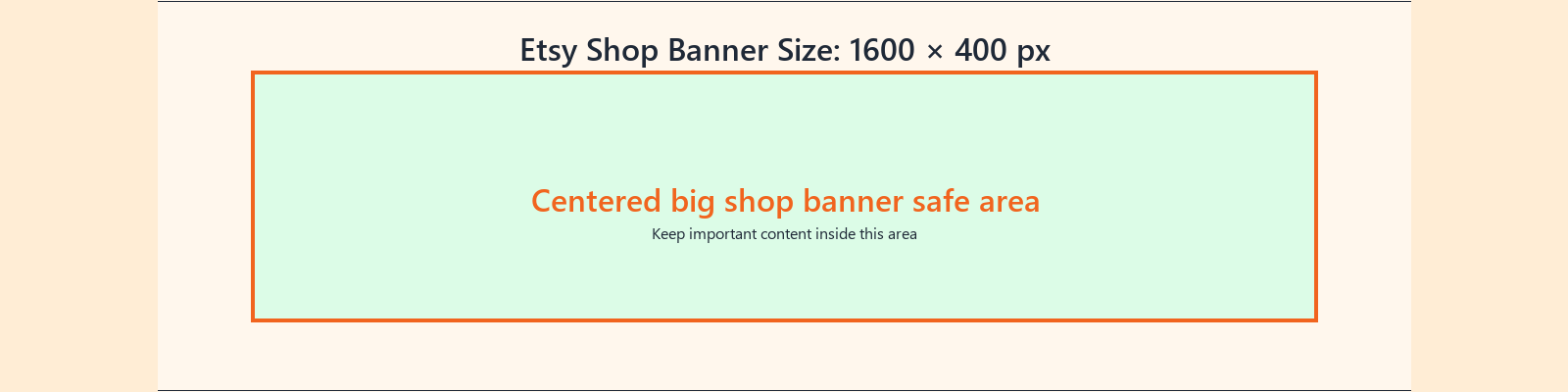
Use this guide to keep text, logos, faces, products, and calls to action away from crop-risk edges.
Dimensions and specs
| Big shop banner recommended | 1600 × 400 px | |
|---|---|---|
| Big shop banner minimum | 1200 × 300 px | |
| Big banner aspect ratio | 4:1 | |
| Mini shop banner recommended | 1600 × 213 px | |
| Mini shop banner minimum | 1200 × 160 px | |
| Shop icon | 500 × 500 px | |
| Profile photo | 400 × 400 px |
Formula
How to calculate this size
Export at the recommended pixel canvas before upload or handoff.
Reduce width and height by their greatest common divisor.
Use fit for no crop, fill or center crop for exact coverage, or pad when borders are acceptable.
Export checklist
Before you upload
Create the artboard at the template dimensions before placing content.
Keep critical details inside the safe zone and treat the outer edge as crop or bleed risk.
Resize a finished image locally when the destination needs a PNG, JPG, or WebP export.
Common mistakes
Avoid these template setup mistakes
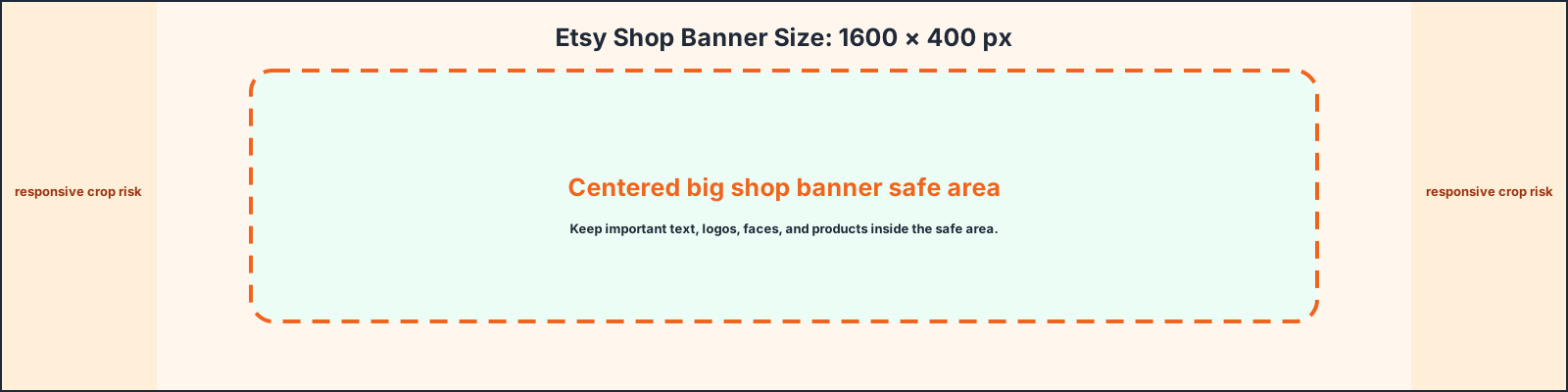
Keep the most important content inside the guide area so responsive crops, bleed trimming, or platform overlays do not hide it.
Scaling the template into a different shape can stretch artwork or crop text; compare sizes before adapting.
Keep the editable SVG or source layout, export PNG/JPG for upload, and use PDF when you need a handoff or print guide.
Templates
Download starter files
Use the SVG, PNG, or PDF starter as a visible guide for the full canvas, safe area, bleed, and crop-risk edges.
Calculator
Check aspect ratio and screen pixels
Use the prefilled target, swap orientation if needed, and copy the reduced ratio before preparing screenshots or previews.
Compare
Compare Etsy Shop Banner Template
Open a curated comparison or send both sizes into the compare tool with a fragment URL.
Platform notes
Requirements and crop behavior
Workflow
Setup steps
Canva
Create a custom design at 1600 × 400 px for a big banner. If you also use a mini banner, create a separate 1600 × 213 px version instead of cropping the big banner blindly.
Photoshop
Create a 1600 × 400 px file. Use sRGB and export as JPG or PNG. Keep product photos sharp, but avoid over-compressing text.
Figma
Create one component for the big banner and one for the mini banner. Keep the logo and shop name centered so both variants feel related.
Template
Template zones
| Zone | Use |
|---|---|
| Full banner | Brand photo, product scene, pattern or seasonal artwork |
| Center safe area | Shop name, short tagline or product category |
| Edge caution | Avoid small text and busy product details at the outer edges |
| Mobile preview | Check that the focal point still works in narrower views |
Guidance
Design guidance
An Etsy banner should make the shop category obvious. A jewelry shop, candle shop, printable shop and vintage store need different visual cues. Use product context, material texture or a clean brand color. Keep the banner simple enough that the shop name and product thumbnails below it remain the focus.
Template
Safe-area, bleed, and crop notes
Use the downloadable guide as the full canvas. Keep critical content inside the safe area, extend backgrounds to bleed or crop-risk edges when needed, and export only after checking the destination page.
| Download | Best use |
|---|---|
| SVG | Editable vector starter file for layout tools. |
| PNG | Quick raster preview or upload starting point. |
| Shareable layout guide for print, handoff, or review. |
Related
Related pages and tools
Same branch
Nearby pages
FAQ
Common questions
What size is an Etsy shop banner?
Use 1600 × 400 px for a big shop banner. Etsy lists 1200 × 300 px as the minimum.
What size is an Etsy mini banner?
Use 1600 × 213 px as the recommended mini shop banner size, with 1200 × 160 px as the minimum.
Can I use the same image for listings and banners?
You can use the same visual style, but the crop should be different. Listing photos are product-focused; banners need a wide brand layout.
What file type should I use?
Use JPG or PNG according to the image. JPG is usually best for product photography; PNG can be better for flat graphics and logos.
References
Sources and references
Original draft source confidence: official_platform_spec.
Etsy Help lists image requirements for listing photos, shop icons, profile photos, mini shop banners and big shop banners. Keep this page updated because marketplace image handling can change.
-
Etsy Help: Requirements and Best Practices for Images in Your Etsy Shop
Reviewed for this PixelMeasures article cluster.
Last checked: 2026-05-03