
template
Spotify Podcast Cover Template
Use a Spotify podcast cover template with a 3000 × 3000 px square canvas, 1:1 ratio, source-confidence notes and readable cover-art guidance.
Last checked: 2026-05-03
How we calculate this
Methodology and source handling
We start with the platform placement, confirm the recommended pixel canvas and aspect ratio from the listed sources, then document safe-area and export guidance for the template.
Quick answer
Copy-ready answer
Use a square 3000 × 3000 px canvas for high-quality Spotify podcast/show art. Keep the artwork in a 1:1 ratio. Spotify creator guidance for show art commonly points creators toward high-resolution square artwork, and Spotify artist cover-art guidance also requires square 1:1 artwork within supported pixel ranges.
Safe area
Design inside the crop-safe area
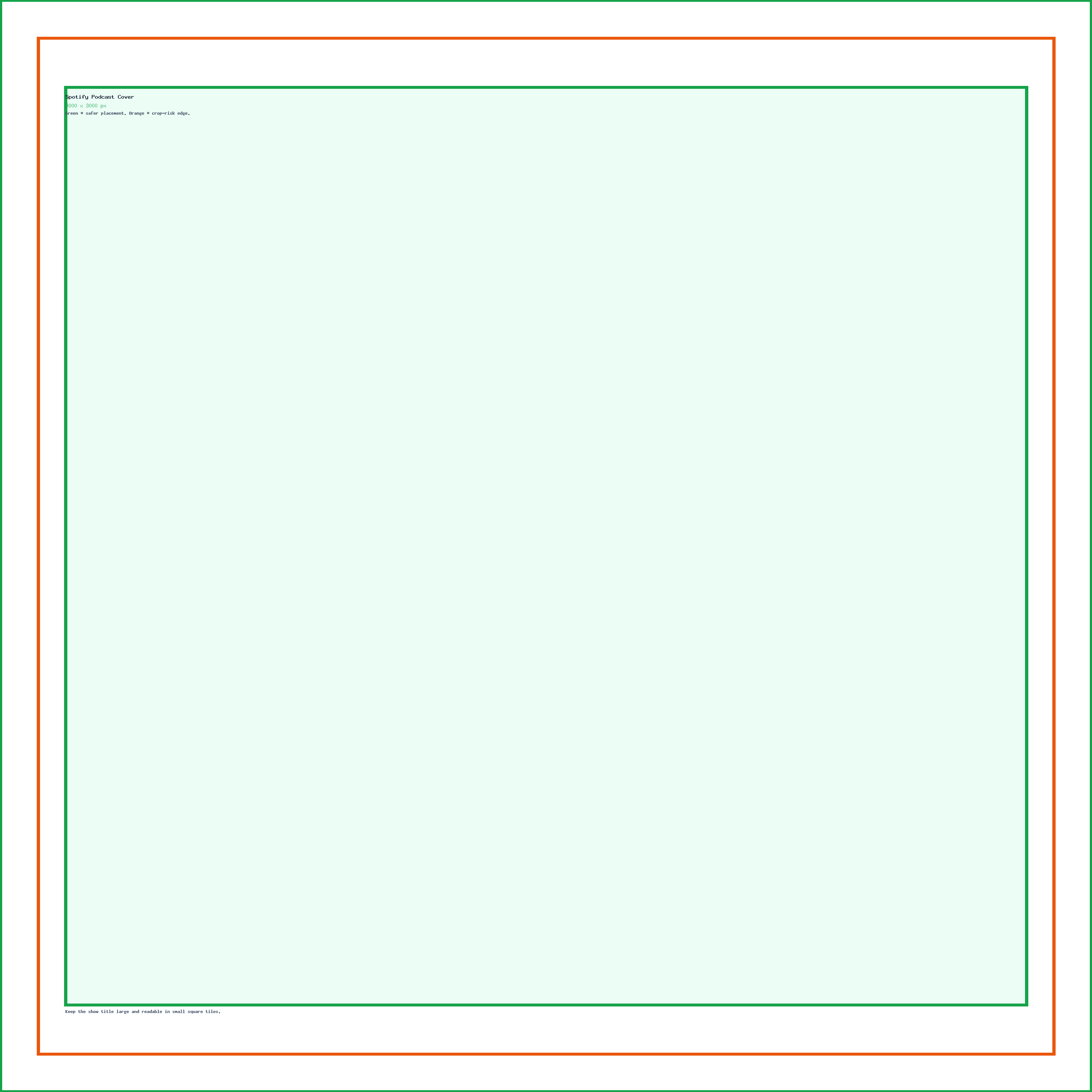
Use this guide to keep text, logos, faces, products, and calls to action away from crop-risk edges.
Dimensions and specs
| Recommended podcast/show art canvas | 3000 × 3000 px | |
|---|---|---|
| Practical accepted range for show art guidance | 1400 × 1400 to 3000 × 3000 px | |
| Aspect ratio | 1:1 | |
| Best use | Podcast covers, show art, episode art variants | |
| Text placement | Large and centered, readable at small sizes | |
| Source confidence | Official Spotify creator guidance + platform cover-art requirements |
Formula
How to calculate this size
Export at the recommended pixel canvas before upload or handoff.
Reduce width and height by their greatest common divisor.
Use fit for no crop, fill or center crop for exact coverage, or pad when borders are acceptable.
Export checklist
Before you upload
Create the artboard at the template dimensions before placing content.
Keep critical details inside the safe zone and treat the outer edge as crop or bleed risk.
Resize a finished image locally when the destination needs a PNG, JPG, or WebP export.
Common mistakes
Avoid these template setup mistakes
Keep the most important content inside the guide area so responsive crops, bleed trimming, or platform overlays do not hide it.
Scaling the template into a different shape can stretch artwork or crop text; compare sizes before adapting.
Keep the editable SVG or source layout, export PNG/JPG for upload, and use PDF when you need a handoff or print guide.
Templates
Download starter files
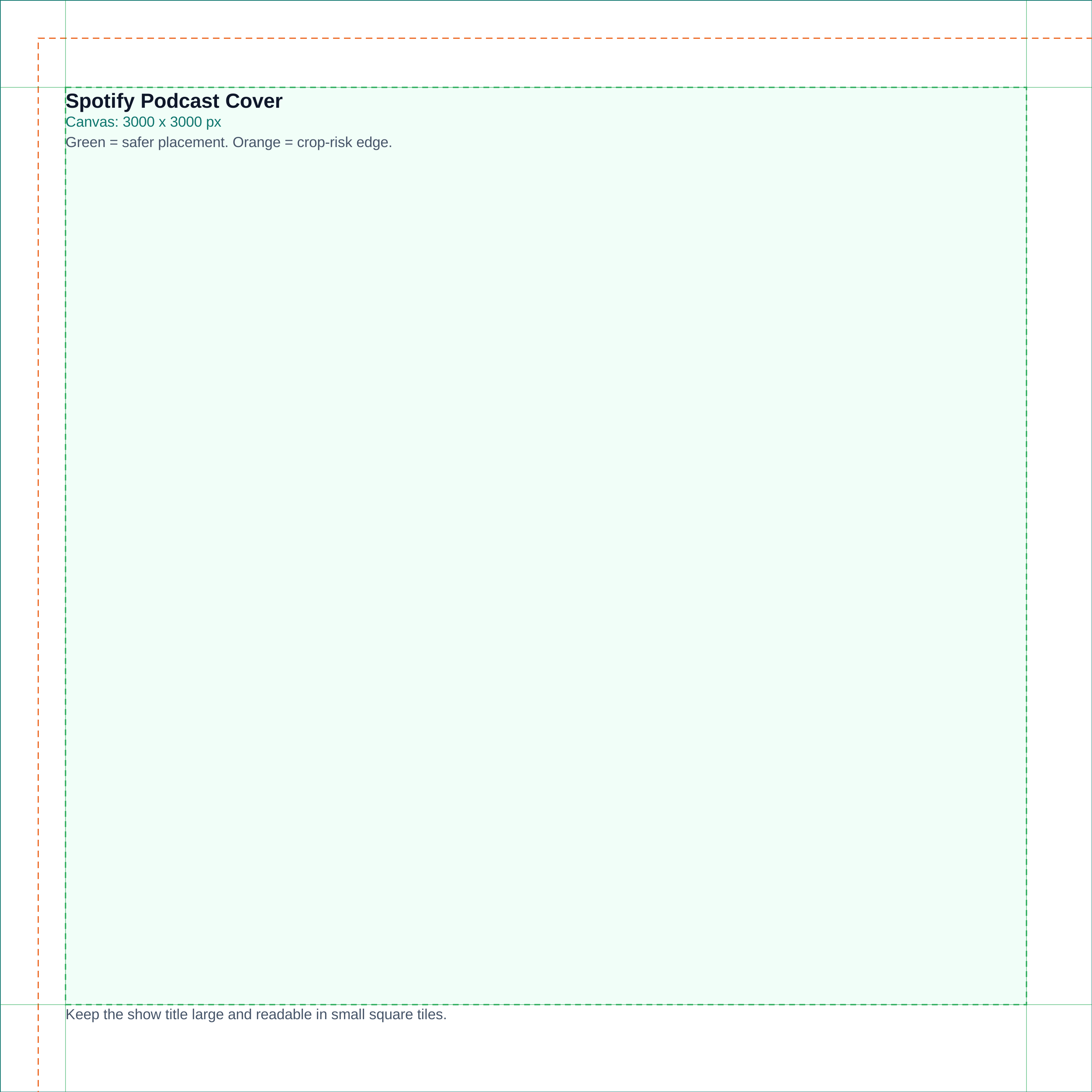
Use the SVG, PNG, or PDF starter as a visible guide for the full canvas, safe area, bleed, and crop-risk edges.
Calculator
Check aspect ratio and screen pixels
Use the prefilled target, swap orientation if needed, and copy the reduced ratio before preparing screenshots or previews.
Compare
Compare Spotify Podcast Cover Template
Open a curated comparison or send both sizes into the compare tool with a fragment URL.
Platform notes
Requirements and crop behavior
Workflow
Setup steps
Canva
Create a custom design at 3000 × 3000 px. Keep the podcast title large. Export as PNG or JPG depending on the artwork style.
Photoshop
Create a 3000 × 3000 px document in sRGB. Use bold title typography. Preview at small zoom levels to confirm the title remains readable.
Figma
Create a 3000 × 3000 px frame with title, host, logo and artwork zones. Add a small-preview frame next to it so designers can check readability.
Template
Template zones
| Zone | Use |
|---|---|
| Full square | Background, photo, illustration or brand color |
| Central title zone | Podcast name, primary identity or host name |
| Edge caution | Avoid tiny subtitles and logos near edges |
| Small-size preview | Test at 300 × 300 px and 80 × 80 px |
Guidance
Design guidance
Podcast covers are often seen small. Use a strong title, one visual idea and high contrast. Avoid long subtitles unless the title is short and the subtitle remains readable. If the show has seasons, create a master template and swap the episode or season label inside a consistent zone.
Template
Safe-area, bleed, and crop notes
Use the downloadable guide as the full canvas. Keep critical content inside the safe area, extend backgrounds to bleed or crop-risk edges when needed, and export only after checking the destination page.
| Download | Best use |
|---|---|
| SVG | Editable vector starter file for layout tools. |
| PNG | Quick raster preview or upload starting point. |
| Shareable layout guide for print, handoff, or review. |
Related
Related pages and tools
Same branch
Nearby pages
FAQ
Common questions
What size should a Spotify podcast cover be?
Use 3000 × 3000 px as a high-quality square podcast cover template.
What aspect ratio should Spotify podcast art use?
Use a 1:1 square ratio.
Is 1400 × 1400 px enough?
Spotify creator guidance commonly references a 1400 × 1400 to 3000 × 3000 px range. Use 3000 × 3000 px when you want the sharpest source artwork.
How can I make podcast cover text readable?
Use a short title, large type, high contrast and a simple background. Preview the image as a small app icon.
References
Sources and references
Original draft source confidence: official_platform_guidance_plus_practical_target.
Spotify creator resources discuss square show art in the 1400 × 1400 to 3000 × 3000 px range. Spotify artist cover-art requirements also emphasize square 1:1 artwork, high resolution, supported formats and sRGB color handling.
-
Spotify for Creators: The dos and don’ts of show art
Reviewed for this PixelMeasures article cluster.
-
Spotify for Artists: Cover art requirements
Reviewed for this PixelMeasures article cluster.
Last checked: 2026-05-03