
Discord image sizes
Discord Profile Banner Size: 960 x 540 Pixels
Use 960 x 540 pixels for the Discord profile banner canvas. Includes aspect ratio, crop notes, source confidence, and downloadable guide files.
Last checked: 2026-05-03
How we calculate this
Methodology and source handling
We check official platform documentation first and label practical production targets when no exact public spec exists.
Quick answer
Copy-ready answer
Use 960 x 540 px for Discord profile banner. The aspect ratio is 16:9. Practical production target where no exact public spec exists.
Resize tool
Resize image to Discord profile banner
Upload an image, use the preset target, choose a crop mode, and export JPG, PNG, or WebP without leaving your browser.
Your image stays in your browser.
Safe area
Design inside the crop-safe area
Keep the profile visual centered because profile cards crop responsively.
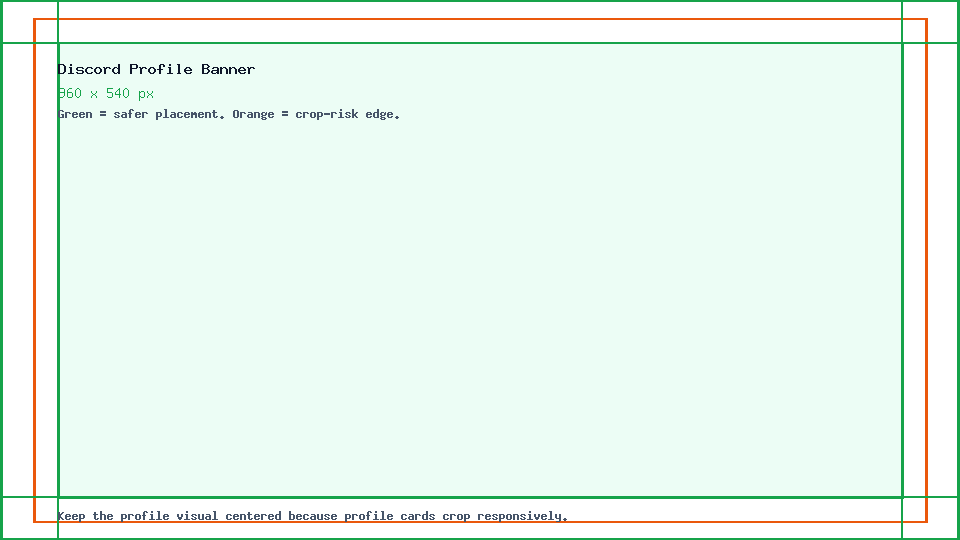
Dimensions and specs
| Recommended pixels | 960 x 540 px | |
|---|---|---|
| Aspect ratio | 16:9 | |
| Formats | JPG, PNG, or GIF | |
| Source confidence | Practical production target where no exact public spec exists |
Formula
How to calculate this size
Export at the recommended pixel canvas before upload or handoff.
Reduce width and height by their greatest common divisor.
Use fit for no crop, fill or center crop for exact coverage, or pad when borders are acceptable.
Desktop and mobile
How this image displays
Use the upload size as the source canvas, then keep important content inside the safest visible area.
| Item | Desktop | Mobile | Text/logo placement |
|---|---|---|---|
| Upload size | Build and export a 960 x 540 px canvas. | Use the same upload size; platform display can crop or scale by device. | Keep important content inside the guide safe area. |
| Crop behavior | Desktop may show more surrounding canvas. | Mobile can crop or overlay UI near the edges. | Keep the profile visual centered because profile cards crop responsively. |
Export checklist
Before you upload
Export the final canvas at the recommended pixel dimensions.
Use sRGB for predictable web and app color.
Use a supported upload format for the placement.
Preview the result on desktop and mobile before publishing.
Common mistakes
Avoid these image problems
A mismatched canvas can be cropped, padded, or resized in the platform UI.
Interface overlays and responsive crops can hide edge text or logos.
Upscaling a small file to the target size makes the upload look soft.
Templates
Download a Discord template
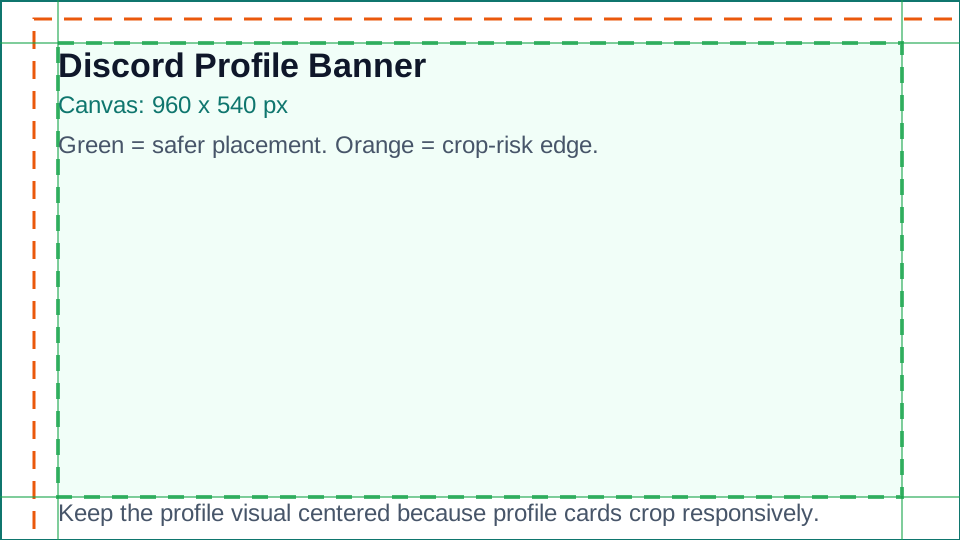
Use the template as a visible guide for the full canvas, crop risk, and safest placement area.
Platform notes
Requirements and crop behavior
Keep the profile visual centered because profile cards crop responsively.
The platform can crop, scale, or overlay UI depending on placement and device.
Resize with this presetChecklist
Export workflow
| Step | Check |
|---|---|
| Set the canvas | Create the file at 960 x 540 px before placing text or product details. |
| Keep color predictable | Export in sRGB for web and app previews. |
| Preview the crop | Check the upload on mobile and desktop because previews can crop differently. |
| Reuse safely | Use the compare tool before adapting this artwork to a different aspect ratio. |
Specs
Quick Profile Banner specs
| Setting | Recommended value |
|---|---|
| Canvas | 960 x 540 px |
| Aspect ratio | 16:9 |
| Formats | JPG, PNG, or GIF |
| Source confidence | Practical production target where no exact public spec exists |
Safe area
Design and crop guidance
Keep the profile visual centered because profile cards crop responsively.
The platform can crop, scale, or overlay UI depending on placement and device.
Related platform sizes and tools
Related platform sizes and tools
FAQ
Common questions
What size is Discord profile banner?
Use 960 x 540 pixels for Discord profile banner.
What aspect ratio should I use?
The aspect ratio is 16:9. Build the canvas at that ratio before upload.
Is this an official size?
Practical production target where no exact public spec exists. PixelMeasures shows the source basis and last checked date on the page.
Source
Official source
Discord profile banner surfaces vary; 960 x 540 is a practical 16:9 source target.
-
Discord Support: Server Banners
Official Discord recommendation for server banners.
-
Discord Support: Server Invite Background
Official Discord requirement for invite backgrounds.
Last checked: 2026-05-03